
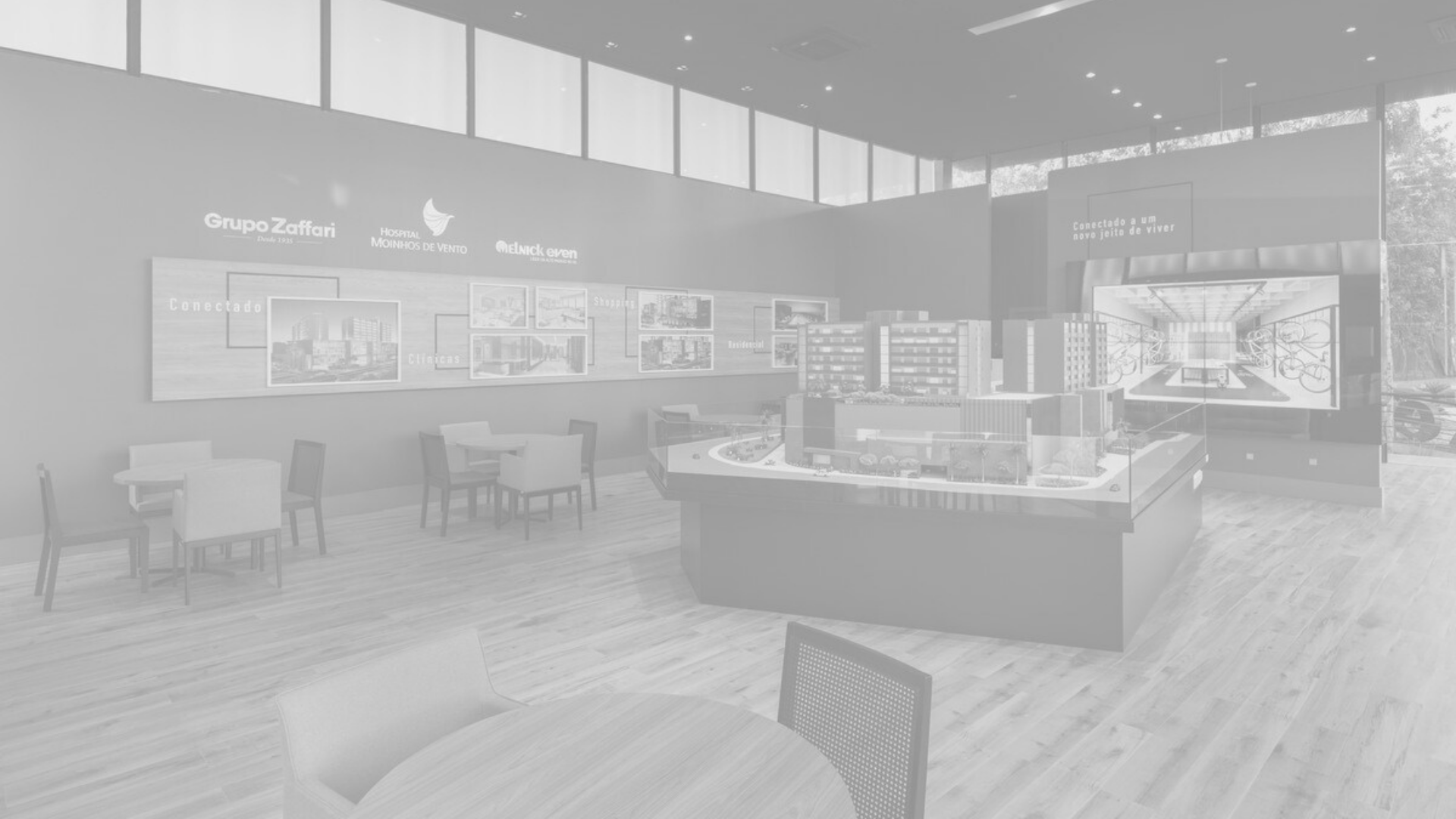
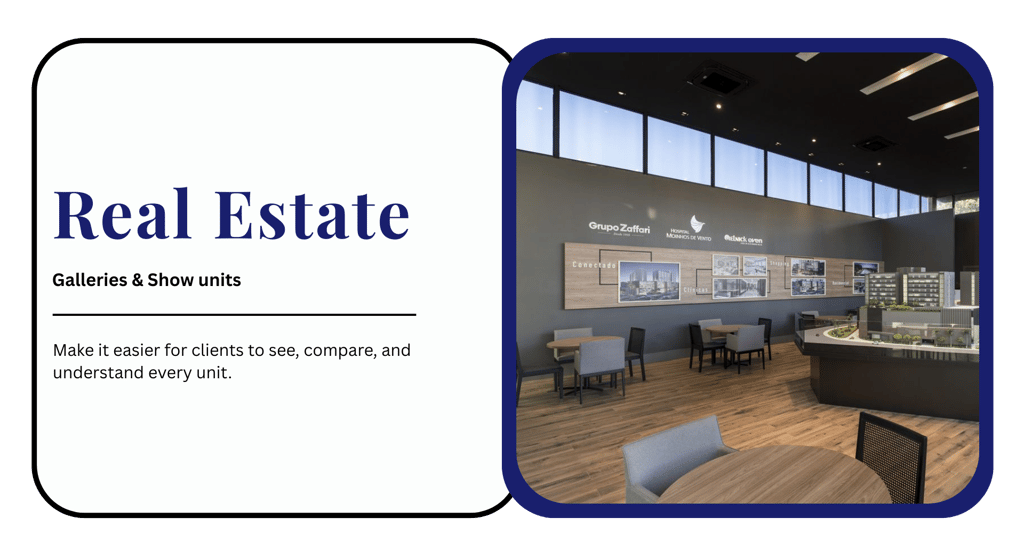

Clients usually begin by sitting on a sofa or table inside the gallery. This is where the first explanation happens: unit types, floorplans, towers, pricing structures, and amenities.
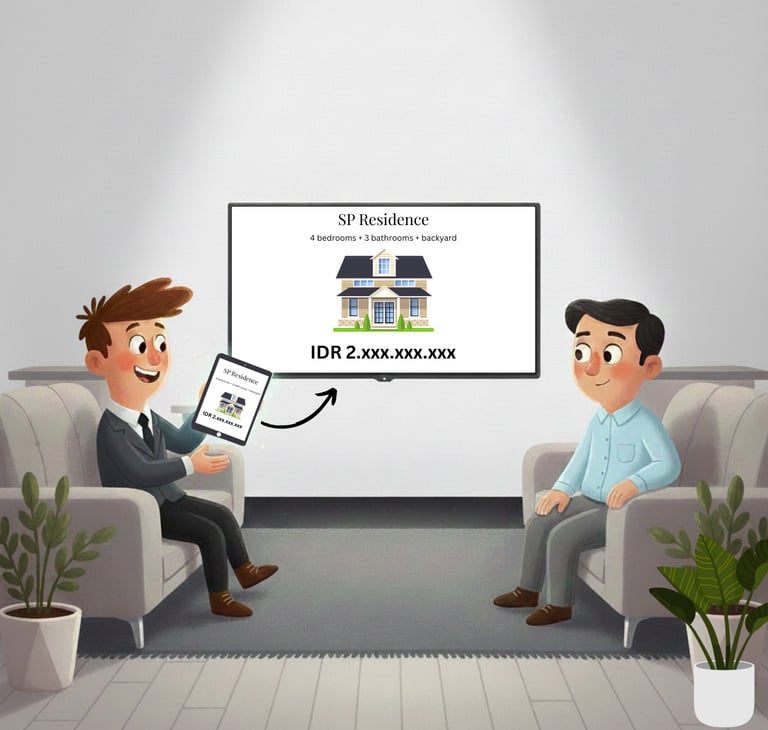
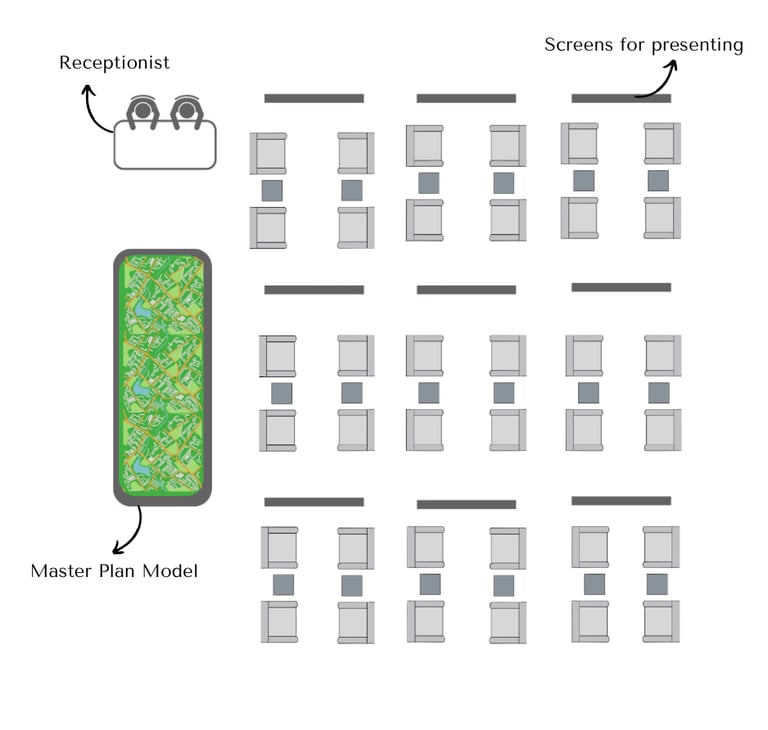
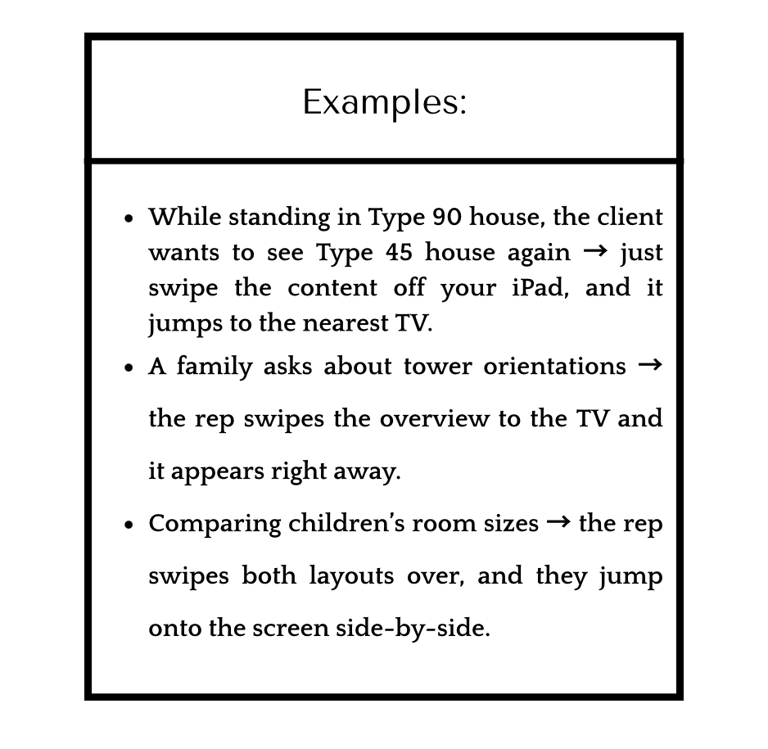
With Netvio AVoIP Control, your sales team can sit naturally with an iPad and send any material — masterplans, renders, videos, comparison layouts — directly to the screen in front of the client.
No Cables. No Casting Problems. No “please zoom in” moments.
Clients see everything clearly on a proper screen instead of huddling around a phone.
Continue the Story Inside the Show Unit
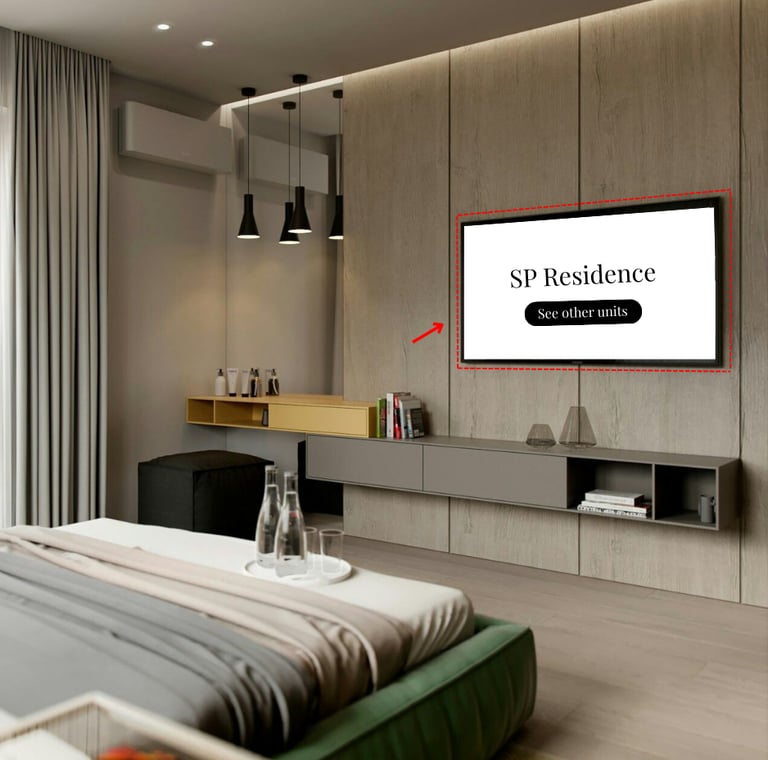
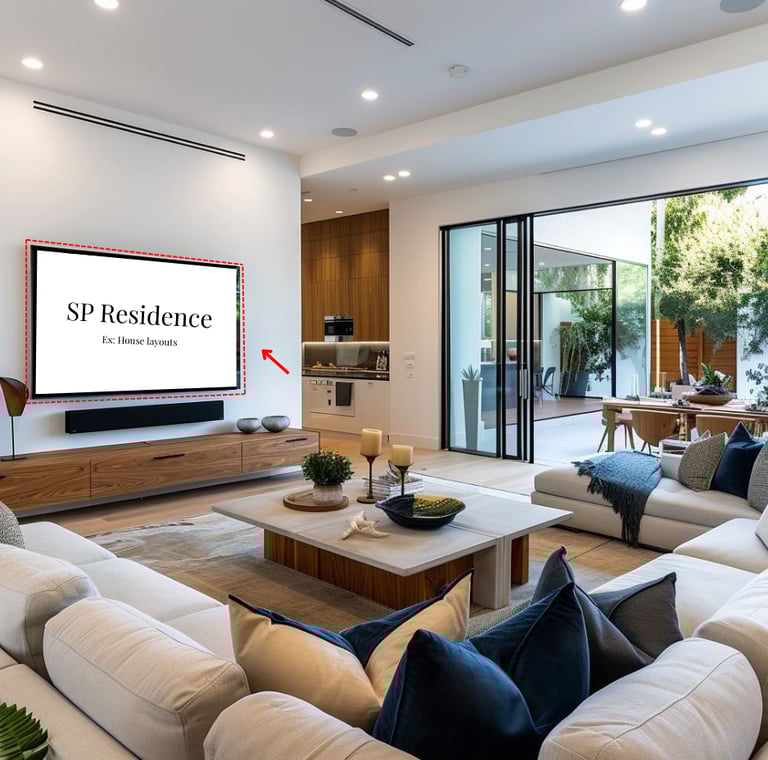
When the tour moves to the show unit, the presentation continues seamlessly.
Every TV in the unit — living room or bedroom — can receive content instantly through Netvio AVoIP Control.
The salesperson chooses the screen and sends the exact material the client needs at that moment.
When the TV is not used for presenting, it can loop project videos so the unit feels active and modern.
Audio from these presentations can be routed cleanly through the TV or the room’s audio system — also controlled through Netvio.
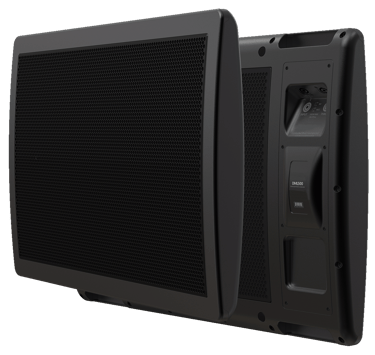


Clear Sound for Gallery Talks and Events
Keep Screens Updated Without Extra Work From Your Team
Availability, pricing, campaign visuals, project updates — these change all the time.
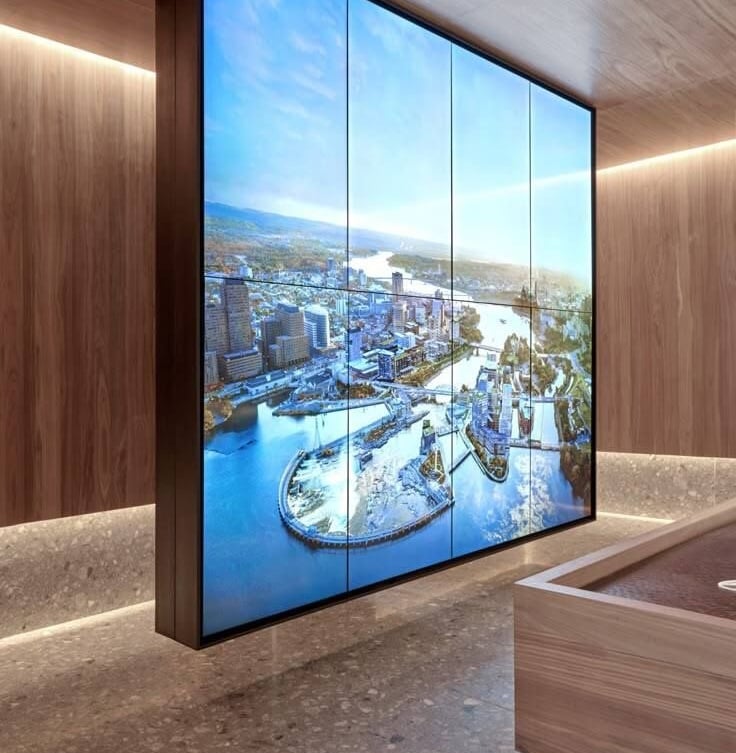
Showplan handles all of this for you.
Your team simply sends us the materials.
We design them, format them, schedule them, and publish them to the screens you choose.
You don’t touch the players. You don’t upload manually. The gallery always stays fresh and accurate.
Help Clients Make Clear Comparisons Before Deciding
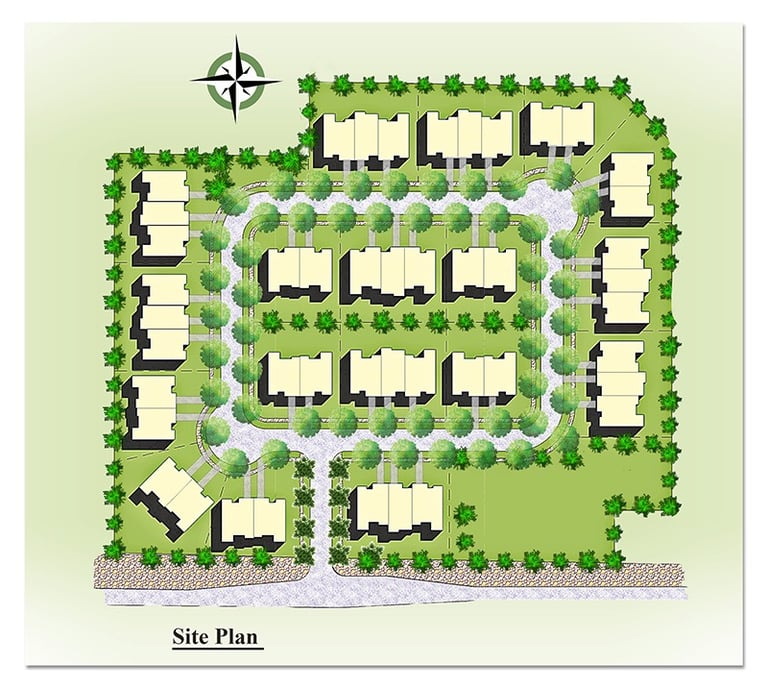
When it’s time to discuss final options, the salesperson can pull up:
Unit Availability
Layout Comparisons
Payment Plan Visuals
Upgrade Options
Tower
All displayed on any screen in the gallery or show unit.
Clients understand everything faster and feel more confident — without flipping through printed sheets or squinting at someone’s phone.